
The Honest Version Nobody Posts on Pinterest
If you’ve spent more than ten minutes Googling how to start a blog from scratch, you’ve probably noticed that every article reads like a checklist written by someone who is not, in fact, blogging. Pick a niche. Buy a domain. Install a theme. Publish. Make six figures by Tuesday.
I’m writing this from the other side of those tutorials — the side where you actually do the thing, get stuck on something nobody warned you about, and quietly close your laptop at 1 a.m. wondering if everyone else found this easier than you did.
This is the post I wish someone had written before I started By Sofi Maruri. No affiliate-stuffed listicle, no fake “I made $10K my first month” screenshots. Just the real timeline of building a blog from zero, in your late twenties, with a full life happening around it.
I didn’t have a mentor, a course, or a friend who’d done this before me. I had open browser tabs, contradictory advice, and a lot of wasted weekends. That detail matters for the rest of this post, so hold onto it.
Why I started a blog before 30
I didn’t start blogging because I had a content strategy. I started because I needed somewhere to put the version of myself that didn’t fit anywhere else.
I’d left a corporate path that looked good on paper, started building a slower, more intentional life in Chile, and realized I had a lot of things to say about travel, food, personal growth, and the strange in-between of figuring out adulthood without a manual. The blog became the container for all of it.
If you’re considering starting a blog from scratch, the first honest thing I can tell you is this: a niche you can sustain matters more than a niche that ranks. If you don’t actually want to write about it on a Tuesday night when nobody is reading, no SEO strategy will save you.
The expectations vs. the reality
Here’s what I thought starting a blog would look like:
- Buy a domain (cute).
- Pick a beautiful theme (fun).
- Write posts (I love writing).
- Watch traffic come in (sure, why not).
Here’s what it actually looked like:
- Spend a week comparing hosting plans, second-guessing every choice.
- Buy the domain. Feel briefly powerful.
- Open WordPress for the first time and immediately want to close it.
- Try to make a homepage. Fail. Try a different theme. Fail differently.
- Reset everything. Start over.
- Realize “writing posts” is maybe 20% of having a blog.
- Cry a little. Keep going anyway.
If your version of starting a blog from scratch involves a meltdown around step four — congratulations, you’re doing it normally.
The disaster that actually taught me something
A few weeks in, I made the classic beginner mistake: I tried to make my blog look exactly like a Pinterest screenshot. I downloaded a complicated theme, installed plugins I didn’t understand, and built a homepage that looked beautiful for about six hours before something broke and I couldn’t undo it.
I had to do a full reset. Theme gone. Layout gone. The fake productivity of “look how much I’ve built” — gone.
That reset is the most useful thing that’s happened to my blog so far, and here’s why: it forced me to start with the boring stuff first. Permalinks. Category slugs. A clean static homepage. A theme (I switched to Kadence — Astra is also great) that didn’t require a paid version to look like a real website. An About page written like a human wrote it.
The lesson: when you start a blog, build the skeleton before the skin. Everything cute you want to do later — sticky menus, fancy fonts, animated buttons — will be easier on top of a clean structure than retrofitted onto a mess.
What I’d do differently to start a blog from scratch
If you’re at the very beginning and want to start a blog from scratch, here’s the order I’d actually recommend, based on what saved me time vs. what I had to redo:
1. Pick a long-game domain, not a clever one. Your name, or a phrase that isn’t tied to your current life stage. I love that mine includes my name — it grows with me.
2. Choose hosting based on price and ease, not on the affiliate review with the most stars. I use Hostinger Premium (around USD 5/month) and it’s been more than enough to start. You don’t need enterprise hosting in month one.
3. Use a free, lightweight theme from day one. Kadence and Astra are both excellent. Don’t pay for a theme until you know exactly what features you need. You probably won’t need them.
4. Set up your structure before you write anything. Permalinks, categories, tags, your main pages (Home, About, Contact, a basic Newsletter page). This takes one focused afternoon and saves you weeks of cleanup later.
5. Write the About page like you’re talking to one person. Not “Welcome to my blog, a space where I share…”. Write it like you’re explaining yourself to someone you actually like.
6. Install only the plugins you need. For most beginners that’s: an SEO plugin (Yoast or RankMath), a caching plugin, and a backup plugin. That’s it. The plugin rabbit hole is real.
7. Publish before it’s perfect. Your first post will be cringe in six months. So will mine. That’s how you know you’re growing.
The tools that actually earned their place
After months of trial, error, and reset buttons, this is the short list of what I actually use and recommend if you’re starting a blog from scratch:
- WordPress.org as the platform (not .com — this matters)
- Hostinger for hosting
- Kadence as the theme
- Gutenberg as the editor (no Elementor — the free version locks too much behind Pro)
- Yoast for SEO
- MailerLite for email — generous free plan, not ugly, not overwhelming
- Pinterest for traffic — especially if you write in two languages like I do
- Notion for everything behind the scenes: editorial calendar, post drafts, SEO tracking, ideas
The Notion piece is the one nobody talks about enough. You will drown in ideas, drafts, half-finished outlines, and SEO research within your first month. Having a system for that isn’t optional — it’s the difference between blogging consistently and ghosting your own blog for six weeks.
My first month, in real numbers
Since I’m committed to honesty in this post, here’s exactly what one month of blogging looked like for me:
- Total Amazon affiliate commissions: $0.37
- Total clicks: 48
- Total reward earnings: $0.00
Yes, thirty-seven cents. I am not joking, and I am not embarrassed.
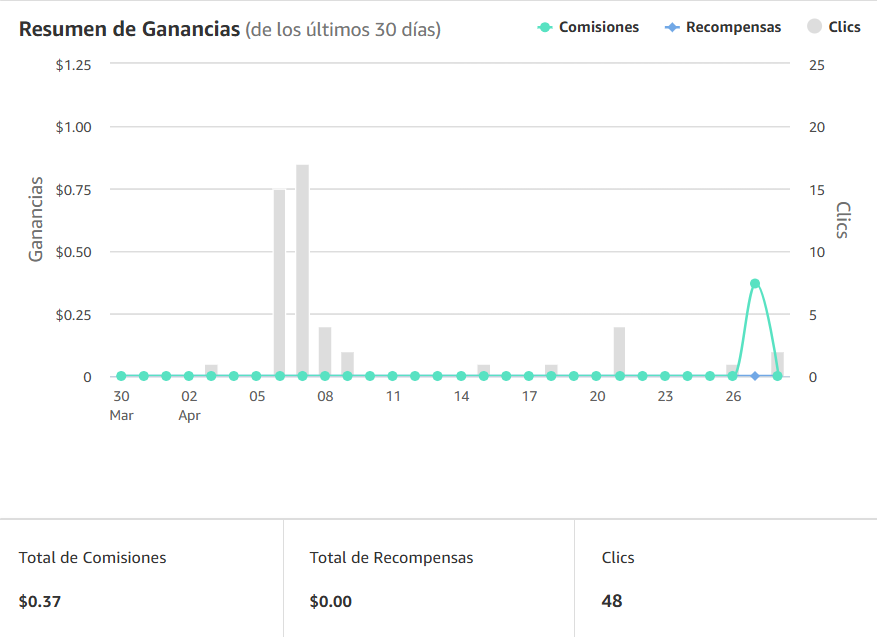
I’m sharing the actual screenshot because the internet is full of “I made $5,000 my first month blogging” stories, and they’re either lying or selling you a course where the only person making $5,000 is them. The real first month of a blog, for almost everyone, looks like single-digit dollars and a lot of refreshing.
Here’s why I’m proud of $0.37 anyway:
- It’s $0.37 I didn’t have last month
- Those 48 clicks are 48 real human beings who landed on my blog and trusted me enough to click through
- Every single one of those clicks came from Pinterest, not Google — which means SEO traffic is still entirely ahead of me
- It’s proof of concept that the system works, just at a tiny scale
If you’re starting a blog and your first month earns you a coffee, you didn’t fail. You did the thing. The numbers compound — but only if you keep showing up.
The lesson I’d pass on: Pinterest is the fastest traffic channel for a brand-new blog. Google takes months to trust you. Pinterest will start sending you visitors in week one if you pin consistently. If you only have time for one off-blog channel in your first 90 days, make it Pinterest.
The shortcut to start a blog from scratch
Most of what I just shared took me months to figure out — partly because every tutorial assumes you already know what a permalink is, and partly because there’s no map for the in-between of “I want a blog” and “I have a blog that actually works.”
I didn’t have any of this when I started… so I built the resources I wish someone had handed me — and the only honest reason they exist is to save you the weeks I lost.
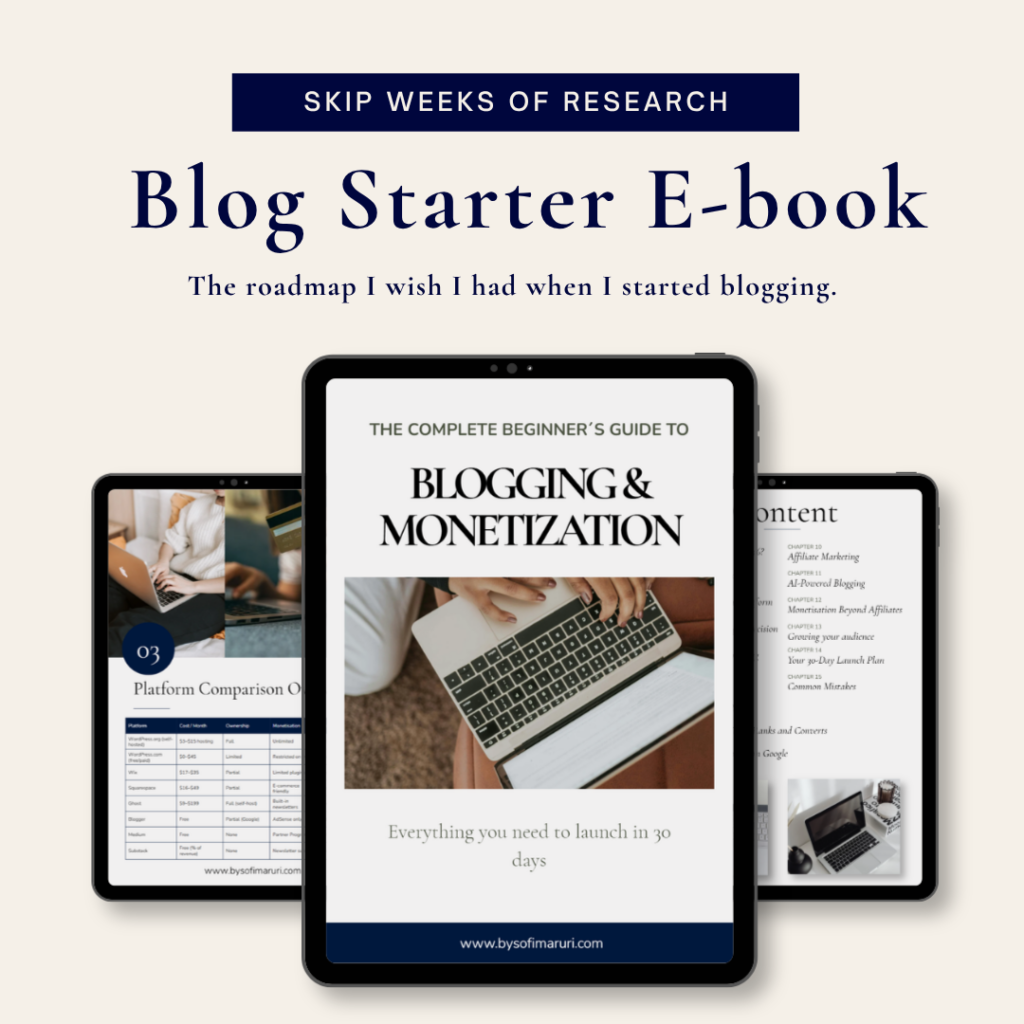
→ [The Beginner Blog Ebook] — the full step-by-step of starting a blog from scratch, written the way I’d explain it to a friend who asked me over coffee. Hosting, domain, theme, structure, first posts, common mistakes, and the unsexy technical stuff in plain language.
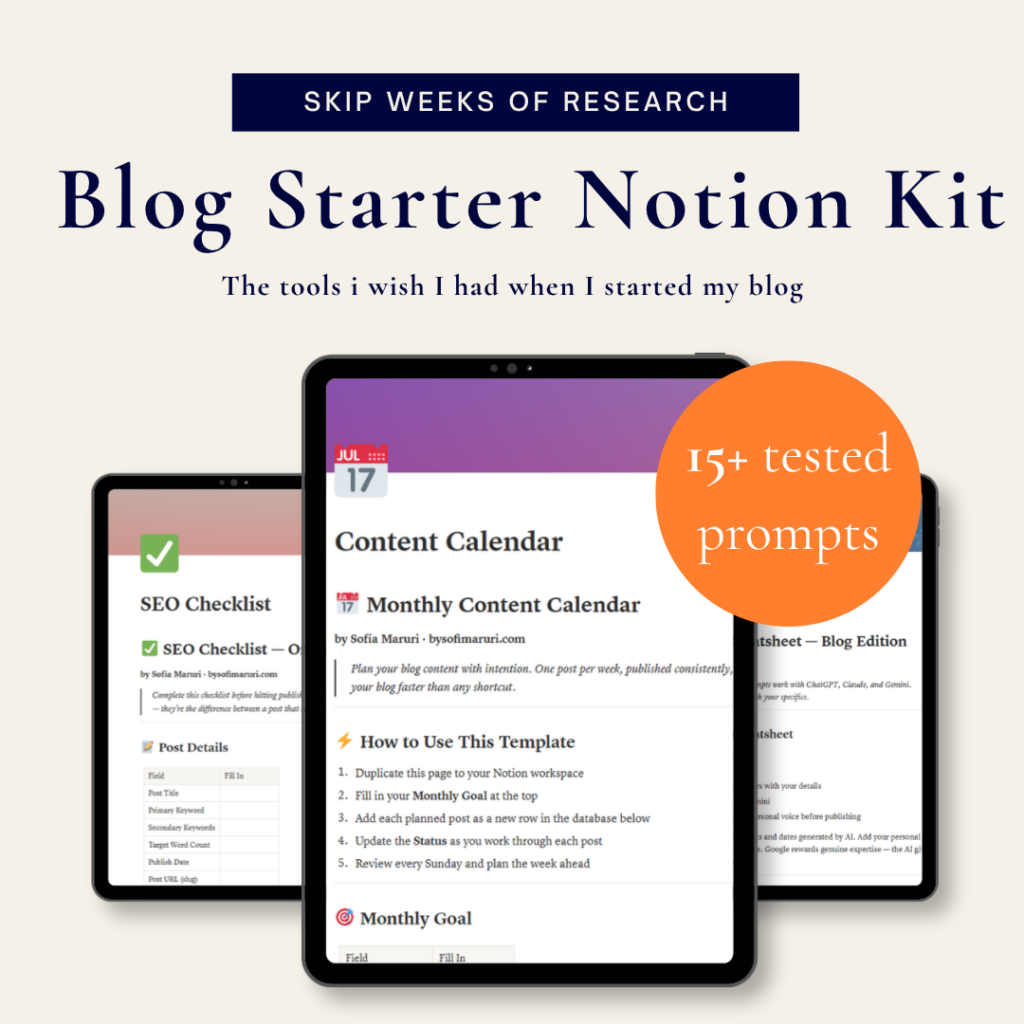
→ [The Notion Templates for Bloggers] — the actual system I use to plan posts, track SEO keyphrases, manage my editorial calendar, and keep ideas from disappearing into my Notes app.
If you’d rather DIY it from blog posts and YouTube tutorials, I respect that — that’s how I started too. But if you’re trying to start a blog from scratch without losing weeks to mistakes I already made, those are the shortcuts I genuinely wish someone had handed me.
The thing nobody tells you about how to start a blog from scratch
Starting a blog from scratch is less about technical skill and more about emotional stamina. The tutorials make it look like a weekend project. It’s not. It’s a slow build of small decisions, broken layouts, deleted drafts, and the quiet practice of showing up to a thing nobody is watching yet.
But there’s something real on the other side of that. A piece of the internet that’s actually yours. A place to put what you think. A small business that grows on your own time, in your own voice, on your own domain.
If you’re standing at the beginning of that, scrolling through tutorials and wondering if you can really do it: you can. You’ll mess up the way I messed up. You’ll reset something at some point. You’ll publish posts that feel embarrassing in retrospect.
The trade is your time… Either way, you’ll end up with a blog. The only question is how many late nights you want to lose on the way there.
You’ll also, eventually, be the person writing the honest version for someone else.
Did this help? The full beginner ebook and the Notion templates I use are linked above — and if you want the next post (probably “10 free WordPress plugins I actually use”), the easiest way to not miss it is to join the email list at the bottom of this page.
Leave a Reply