There’s a specific kind of disappointment that comes from watching your Pinterest analytics climb while your bank account stays exactly the same.
I remember the morning I checked the numbers. Six months of pinning, of designing covers in Canva at midnight, of rewriting descriptions until the keywords felt right. And there they were:

- Impressions: 114,190
- Engagements: 5,810
- Saves: 1,140
- Outbound clicks: 82
Read that last one again. Eighty-two clicks. Out of 114,000 people who saw my pins, eighty-two actually visited the place I was sending them.
I screenshotted the dashboard. I felt proud of the impressions for about ten minutes. Then I looked at the click number again and finally understood what I had been doing wrong all along.
If you’re reading this, you probably already know the feeling. Maybe your numbers are smaller, maybe bigger. The frustration is the same: you’re showing up, the impressions are real, the saves are climbing — and somehow none of it is turning into a single dollar. This post is the conversation I wish someone had with me back then — about how to monetize Pinterest the right way, and the one piece of the puzzle I was missing.
The lie I believed about how to monetize Pinterest
When I started, I thought Pinterest was the destination. Pin enough, optimize enough, go viral enough — and the income would follow.
It doesn’t work that way. And nobody on the “Pinterest growth” side of the internet wants to say it out loud.
Pinterest is a search engine that sends traffic somewhere else. That’s literally its job. When someone clicks your pin, Pinterest’s work is done. The question is: where are they landing? Because that is where money actually gets made.
For months, my pins were landing the few people who clicked on a Beacons page. A pretty link-in-bio with three buttons. They’d arrive, glance at the options, and leave. No email captured. No product sold. No affiliate clicked. Pinterest had done its job. I just hadn’t built anywhere worth sending them to.
What 82 outbound clicks actually told me
Most people would look at those numbers and panic about the click rate. I did at first. A 0.07% click-through rate sounds catastrophic.
But that wasn’t actually the problem. Or — it was, but not for the reason I thought.
The low click rate wasn’t a Pinterest issue. It was a destination issue made visible at the pin level. When your pin links to a generic link-in-bio, two things happen: your pin design has nothing specific to promise (it’s just “click for my links”), and the people who do click immediately bounce because there’s no payoff. Pinterest’s algorithm notices the bounce and shows your pins to fewer people. The whole cycle reinforces itself.
Now look at the other numbers in that screenshot:
- 5,810 engagements — people interacting with my pins
- 1,140 saves — people actively bookmarking them for later
- 78,120 total audience — humans my work has reached
Those numbers tell a completely different story. People are responding to my content. They like it enough to save it. The audience is real. What was missing wasn’t interest. It was a reason to leave Pinterest.
And here’s the part I want you to sit with: if you have any meaningful traffic on Pinterest right now — even 5,000 monthly impressions — and you’re sending it to a link-in-bio, the same pattern is happening to you. You already have the hardest part. You have eyeballs, you have saves, you have engagement. What’s missing is the place they land.
How to actually read your Pinterest numbers
Before we go any further, let’s translate. Most creators stare at their Pinterest dashboard and only feel one of two emotions: pride at the big number, or panic at the small one. That’s not analysis. That’s mood.
Here’s how to actually read what your account is telling you, metric by metric:
Impressions — How many times your pins showed up on someone’s screen. This is a visibility metric, not a success metric. A high number means Pinterest is distributing your content. It tells you nothing about whether anyone cares. Treat it as a “is my account alive” signal.
Engagements — Any interaction with your pin: a click, a save, a close-up. This is a quality signal. High engagements relative to impressions (roughly 3% or more) means your pin designs and topics are landing. If this is low, the problem is upstream — your covers or your hooks aren’t earning the tap.
Saves — Someone bookmarked your pin to come back to. This is the most underrated metric on the platform. Saves tell Pinterest your content is worth distributing further, and they tell you exactly which topics your audience finds genuinely valuable. If a pin gets a lot of saves but few clicks, your topic is right but your destination isn’t compelling enough. That’s not a content problem. That’s a destination problem.
Outbound clicks — The number of people who actually left Pinterest to visit your link. This is the only metric that matters for income. Everything else is leading indicators. If this number is low compared to your saves and engagements, you’re in the exact spot I was — building an audience that has nowhere to go.
Total audience — Unique humans who saw your pins this month. This is your “reach.” It’s a vanity number on its own, but useful for spotting growth trends month over month.
Engaged audience — Unique humans who actually interacted with a pin. This is your real audience size. If your total audience is 78k but only 4k of them engaged, your real audience is 4k. Plan accordingly.
Now here’s the diagnostic. Open your Pinterest dashboard right now and ask:
- Are my saves higher than my outbound clicks? If yes, your content is working but your destination isn’t. (This is the most common pattern, and the one this post is about.)
- Are my engagements low compared to impressions? If yes, the problem is at the pin level — covers, titles, or topics aren’t earning the tap.
- Are my impressions falling month over month? If yes, the algorithm is deprioritizing you, often because clicks bounce back to Pinterest too fast (the destination problem reinforcing itself).
For me, the diagnosis was #1. Saves were 14x higher than outbound clicks. The audience was telling me they liked the content. They just had nowhere worth going.
If your numbers tell you the same story, the next sections are for you.
Why a link-in-bio will never be enough
I want to be specific about why Beacons (or Linktree, or any link-in-bio tool) is a dead end for monetization. It’s not that they’re bad — they’re great for what they are. They’re just the wrong tool for the job.
A link-in-bio is a menu. Someone clicks, scans a list, picks one option (or none), and leaves. There’s no story being told, no problem being solved, no relationship being built.
A blog post is a conversation. It hooks someone with a story, walks them through an idea, and at the right moment offers them something — a free download, a product, a recommendation. By the time you ask for the email or the sale, they already trust you.
That difference — menu vs. conversation — is why one earns and the other doesn’t. It’s also why pins that link to blog posts get more clicks in the first place: the pin can promise something specific (a story, a guide, a checklist) instead of “tap here for my links.”
What a blog actually does that nothing else can
Once I built bysofimaruri.com, the entire equation flipped. Same Pinterest, same effort — but now every pin had a real destination, and every click could actually do work.
Here’s what a blog does that a link-in-bio simply cannot:
It captures emails. Every post can have a lead magnet — a free download, a checklist, a small toolkit. People who came for one thing leave with something useful and stay on your list forever.
It hosts affiliate content. A “5 books that changed my mindset” post can earn for years. A link-in-bio cannot.
It sells your own products. A blog post is a sales page in disguise. It builds trust first, then offers the next step.
It compounds. Pinterest pins die in about 4 months. Blog posts ranked on Google bring traffic for years. Pinterest gets you the first wave; the blog keeps the wave coming.
It belongs to you. Pinterest can change its algorithm tomorrow. Instagram can shadowban you. Your blog is the one piece of digital real estate nobody can take away.
“But starting a blog sounds complicated”
This is the part where most people quit before they begin. I almost did.
You start googling “how to start a blog” and within five minutes you’re drowning in jargon — hosting, domains, SSL certificates, themes, plugins, SEO, CDN. Each tutorial assumes you already know what the last twelve mean. The whole thing feels like it requires either a tech degree or a budget you don’t have.
It doesn’t. I’m not technical. I built my blog on a tight budget, with no developer, no agency, no clue what most of those acronyms meant when I started. The setup is actually small: a domain, a host, a free editor (no fancy page builders needed), and a handful of decisions about structure made in the right order.
The reason most beginner blog tutorials fail isn’t that they leave things out — it’s that they leave them in. They teach you everything at once, when 80% of it doesn’t matter in your first six months. What you actually need is a clear sequence: do this, then this, then this, ignore everything else until later.
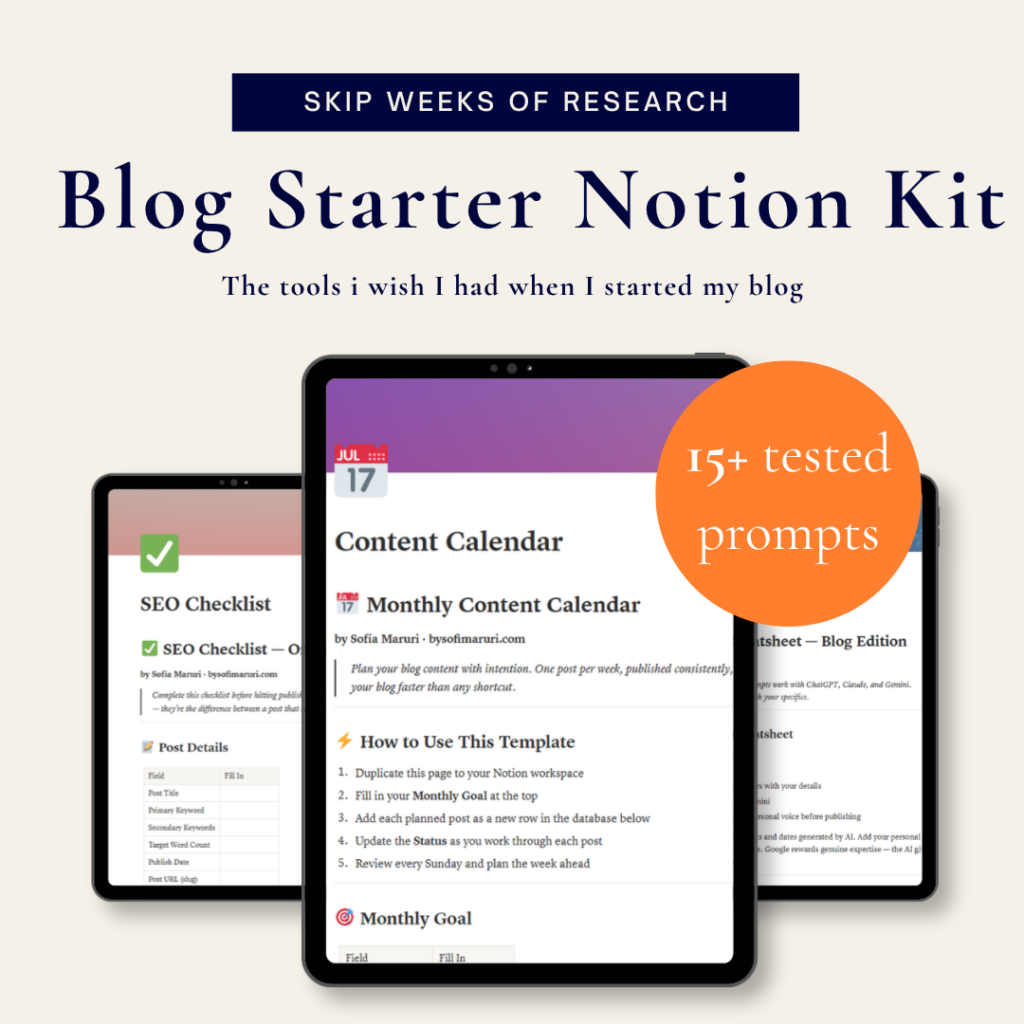
Free download: the Blog SEO Checklist.
The one-page list I run every post through before publishing. No fluff, no upsell — just what every beginner blog post needs to hit.
The shortcut, if you want one
Once I knew a blog was the answer, I had to figure out how to actually build one. That part took me longer than it should have. Most “how to start a blog” guides online are either ten-minute promo posts written to sell you hosting affiliate links, or 50-page manuals that drown you in technical detail before you’ve made your first decision.
I ended up doing the research the slow way — comparing hosting options, figuring out which plugins actually matter, learning what 80% of beginners can safely ignore, and piecing together the right order to do things in so I didn’t waste money or time. By the end of it, I had a notebook full of the answers I wish someone had handed me on day one.
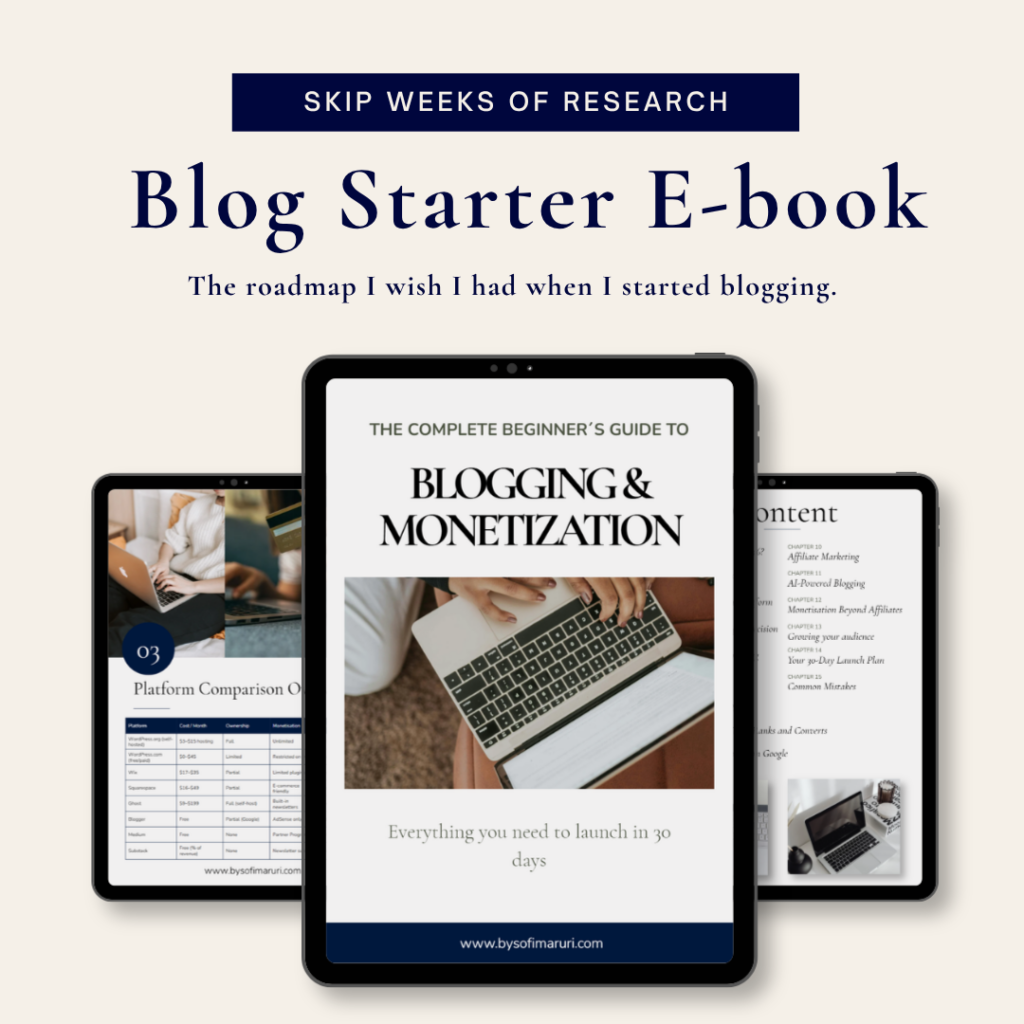
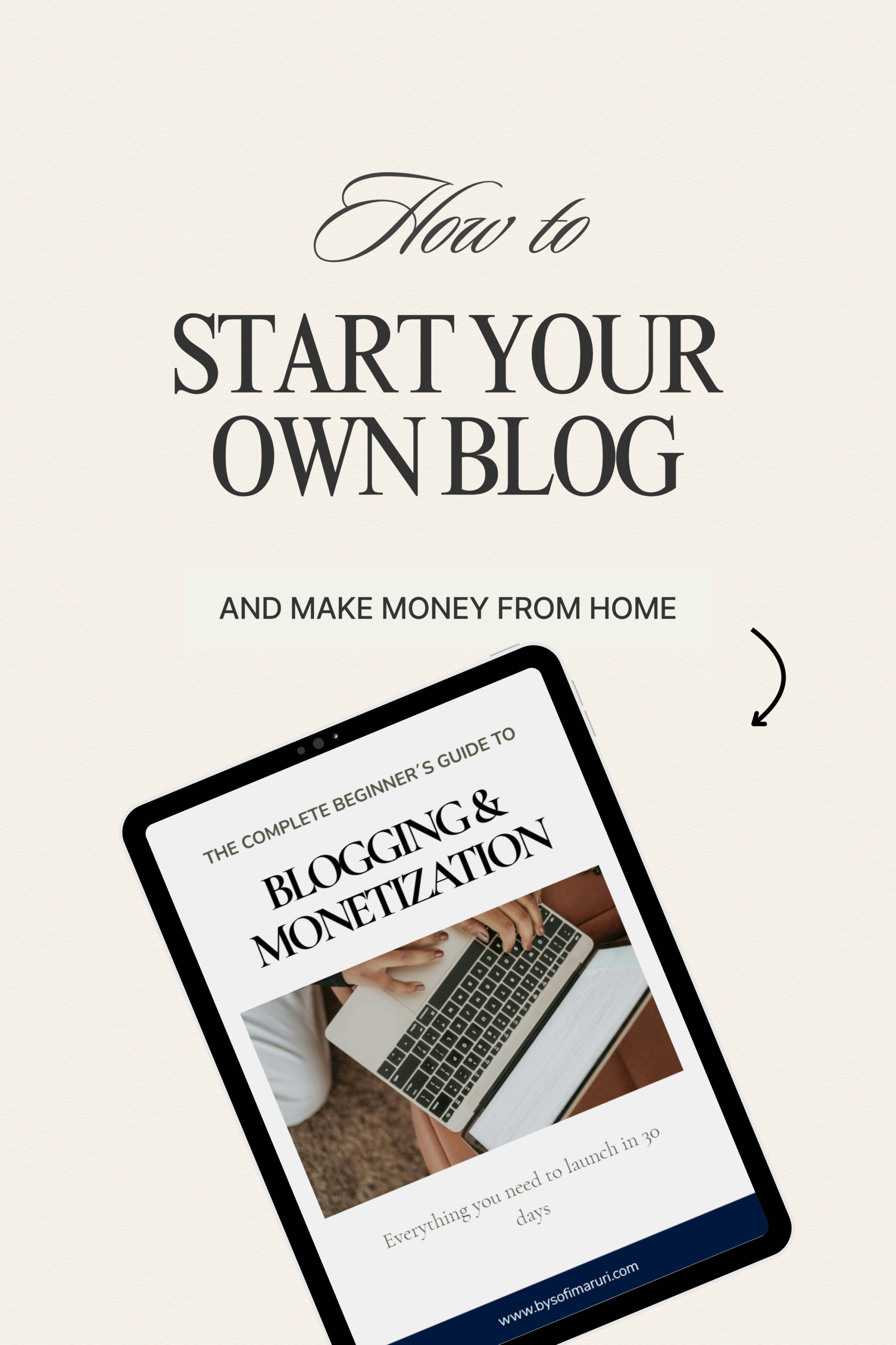
That notebook became an ebook. It’s called Blogging & Monetization, and it’s exactly what its name says: a clear, honest, beginner-friendly guide to creating your blog from scratch — the setup, the platform decisions, the things to skip, the order to do everything in. It’s not specific to Pinterest. It’s specific to the person who has decided they want a blog and just needs someone to walk them through it without selling them ten different upgrades along the way.
If you’ve gotten this far in the post, that person is probably you. [Get the ebook here / join the waitlist here].
And if you’re not ready for the full setup yet, that’s fine. Grab the free Blog SEO Checklist below — it’s the one-page list of the on-page SEO basics every new blog post should hit before you publish. Useful whether you already have a blog or you’re about to start one.
Pinterest impressions don’t pay the bills. Saves don’t either. A blog does. The good news is, you can start building yours this week.
-
I Hit 114k Pinterest Impressions in 6 Months — And Only 82 People Clicked. Here’s What That Taught Me About How to Monetize Pinterest.
There’s a specific kind of disappointment that comes from watching your Pinterest analytics climb while your bank account stays exactly the same. I remember the morning I checked the numbers. Six months of pinning, of designing covers in Canva at midnight, of rewriting descriptions until the keywords felt right. And there they were: Read that…
-
How to Start a Blog From Scratch: An Honest Beginner’s Guide
The Honest Version Nobody Posts on Pinterest If you’ve spent more than ten minutes Googling how to start a blog from scratch, you’ve probably noticed that every article reads like a checklist written by someone who is not, in fact, blogging. Pick a niche. Buy a domain. Install a theme. Publish. Make six figures by…
-
From the Office to Chaos: How I Organized My Scattered Mind (and My Days) When I Lost My Routine
Leaving the structure of a corporate job can leave your mind feeling completely lost and scattered. Read my personal story of surviving my first month of unemployment and discover the simple, guilt-free 3-step reset system I created to organize my days and regain my focus.